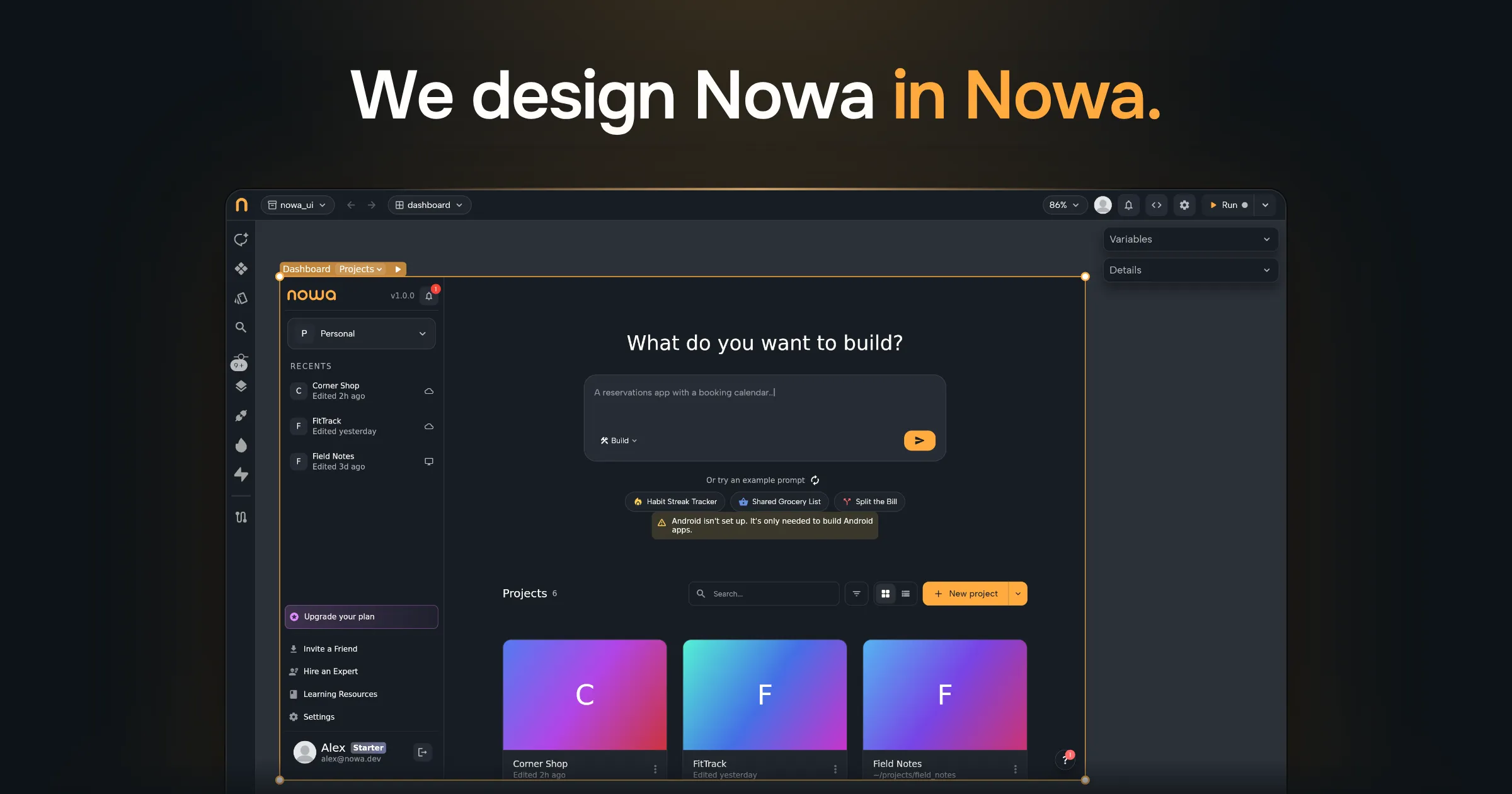
We’re designing Nowa inside Nowa itself. This made us ship things almost 10x faster.
Here’s what it looks like:
And here’s how we’re doing it.
Nowa is a Flutter app
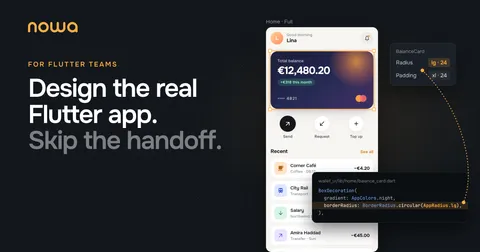
Nowa is a Flutter app itself, so it can open its own code like any other Flutter project.
We’ve spent the last 5 years building a custom interpreter for Flutter. It lets Nowa load Flutter code directly and make it fully editable visually.
Splitting the UI from the logic
First of all, we split the code into UI and logic layers, each living in its own package. We called this architecture “PureUI”.
It’s similar to MVI, but it achieves even more decoupling between UI and logic. It even makes state management part of the logic layer.
So developers have full power over the logic, while designers have full power over the UI/UX details.
This also follows Flutter’s best practices. Flutter’s own architecture guide recommends splitting an app into a UI layer and a data layer.
If you want the details, we wrote a whole post about PureUI.
Designers start with prototypes
Let’s say we want to build a new feature in Nowa.
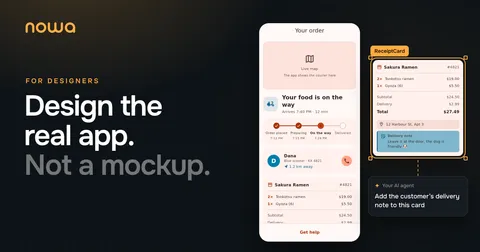
Designers import the Nowa repo itself into Nowa and start designing and experimenting. They build multiple prototypes of that feature with mock data.
They can build designs using AI and full visual editing. For AI, they can use Nowa’s built-in AI, or connect their own AI agent through Nowa’s MCP server. In the video above, that’s Claude Code.
By default, the designs follow the design system that’s set in the repo. Our design system is a board in Nowa too.
They share a few prototypes with us and a few customers with one click.
The prototypes look and feel exactly like the final version, since they’re the actual UI code, just with mock data.
Then we agree on a contract
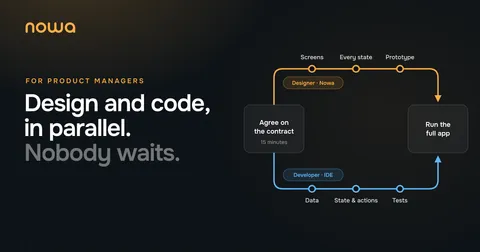
After picking a prototype, developers and designers agree on a “contract” that defines how the UI and logic will talk to each other.
It’s simply what the “data” will be, and what “actions” the user can take. For Nowa’s dashboard, the data is things like the list of projects, with each project’s name, cover and when it was last edited. The actions are things like opening a project, searching, or creating a new one.
This makes it possible for them to work on the feature in parallel, each in their own world, without stepping on each other’s work.
Both sides work in parallel
Designers refine the smallest details, build a great user experience and test the design under different states.
At the same time, developers work on the logic and data right away, in their own IDE with their own AI agent, without worrying about the UI at all.
Both push changes to the same repo, which is the only source of truth we have.
Finally, we run it and release it
When both are done, we simply run Nowa itself, test the entire flow from UI to logic, and release it.
This makes the review process much simpler, since designers can now test their UI in different cases, and developers test their logic independently.
What changed for us
What matters most is that we didn’t just eliminate the UI-to-code translation, the back and forth between designers and developers, and maintaining two sources of truth.
We’re also releasing much better designs and experiences for our users, simply by giving designers full ownership of the UI/UX and letting them work directly on the technology that powers the product.
We believe this is how great products should be built within companies.
Try it with your team
A few Fortune 500 companies are already using Nowa for this exact use case.
If you want to try it out with your own team, let us know at team@nowa.dev.
See Nowa for Flutter teams →