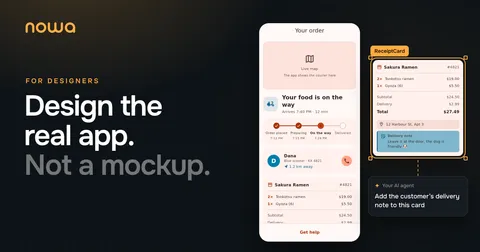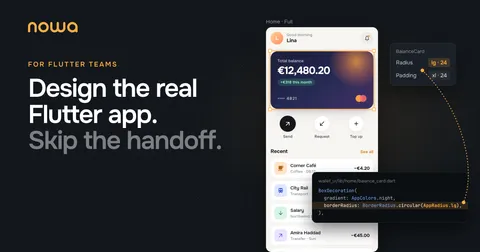
A while ago, a Fortune 200 company asked us to turn Nowa into a design tool for their designers. Their Flutter teams had looked at where the week went, and the answer hurt. About half of what their designers and developers did felt like waste: handoffs, back-and-forth, and building the same screen twice.
If you run product on a Flutter team, that half is time your roadmap doesn’t get. This guide shows where it goes, how a week runs without it, and what you get to review along the way.
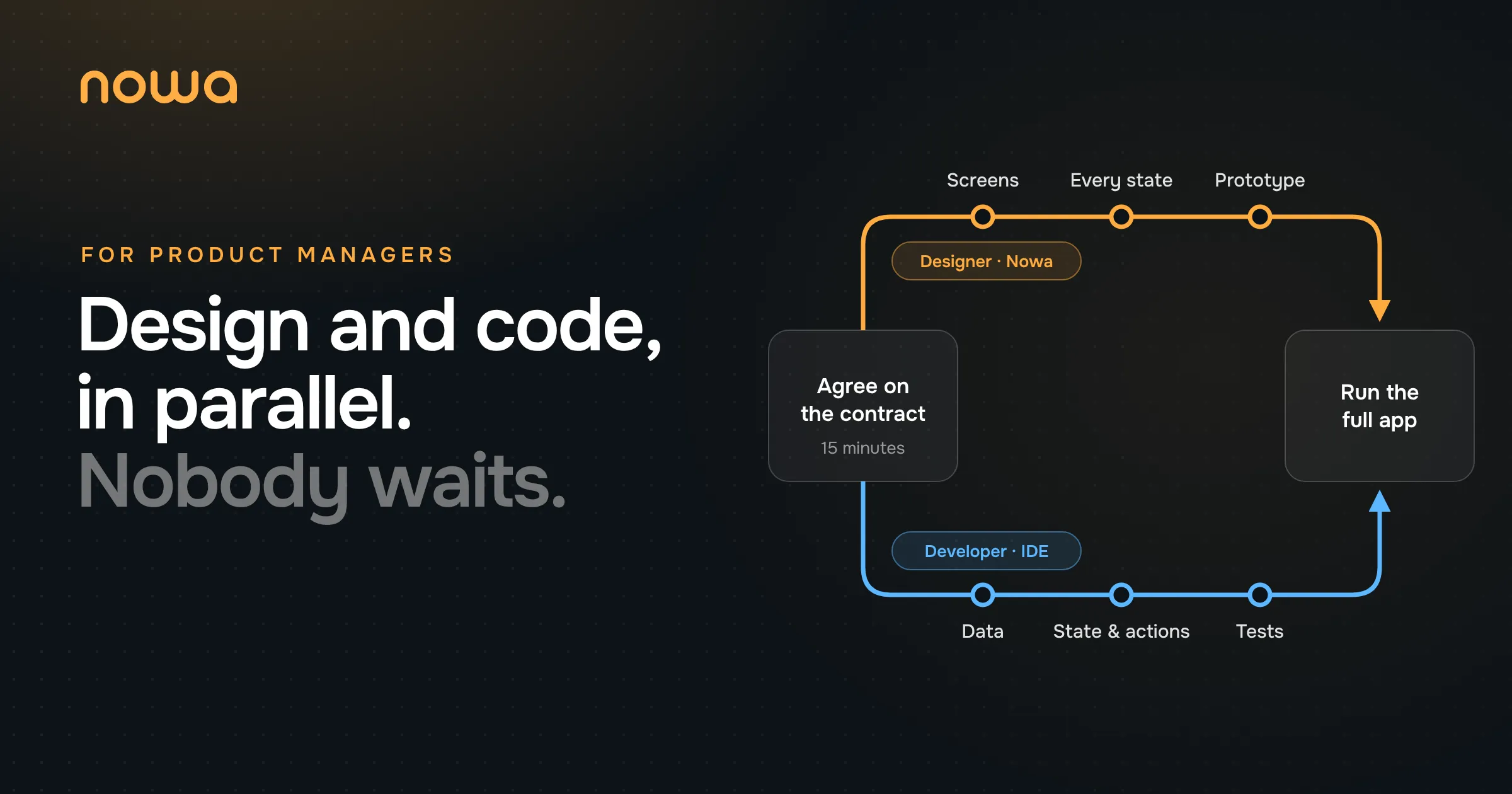
Design and development lose time when they work one after the other, on two copies of the app. Instead, agree on a small contract for each screen in a 15-minute meeting. Then designers build the real UI while developers build the logic, at the same time, in the same Flutter code. You review the actual app, not screenshots.
Sending this to your team? Designers will want Flutter for Designers, and developers the PureUI architecture.
Where half the week goes
This is their list. If you’ve worked with a Flutter team, you could have written it:
- The ping-pong. “Tiny thing 🙏 the padding on the order card should be 4px, not 6px.” It lands at 5:52 PM. The dev fixes it. Two days later it’s still 6px, because there were two order cards and the dev fixed the other one.
- Design reviews. The designer opens the new build, compares it to Figma pixel by pixel and files tickets. The dev fixes the tickets. Repeat until someone gives up.
- Building everything twice. The designer builds the screen in Figma. Then a developer builds the exact same screen again in Flutter.
- Improvised states. Figma shows the happy path. Loading, empty and “something went wrong” get designed by whoever happens to be coding at 6 PM.
- Two design systems. Colors and text styles live in a Figma library and again in a
ThemeData. They drift a little further apart every sprint. - Two sources of truth. The Figma file says one thing, the code says another, and keeping them in sync is a job nobody signed up for.
None of this is anyone’s fault. The designer works on a picture of the app, the developer works on the app, and every trip between the two loses something. (If you want the gory details of why Figma and Flutter never quite match, line heights included, we wrote a whole post about the handoff.)
How the week runs instead
Our answer is to let designers work on the real Flutter app while developers keep the logic. The app is split in two: designers own everything people see, developers own everything it does, and a small contract per screen connects them.
Here’s one feature, start to finish. Bite is a pretend food delivery app, and the feature is its order tracker. Maya, the designer, works in Nowa. Omar, the developer, works in VS Code.

Monday morning, 15 minutes. Maya and Omar sit down together and answer two questions: what does this screen show, and what can the user do on it? The answers become the contract. That’s the only meeting they need to get going. (We know. At a big company, that’s the least believable sentence in this post.)
The rest of the week, side by side. Maya sets up the theme, designs the screens and the motion, and checks every state. Omar maps the backend’s data, wires up state and actions, and writes tests. Both push to the same repo.
Two beliefs make this work. Nobody should wait for anybody: designers shouldn’t wait for a build to see their work, and developers shouldn’t wait for a final design to start. And the repo should be the only source of truth: there’s no design file to keep in sync, because the UI the designer works on is the UI that ships.
What you get to see, and when
You review the real thing at every stage, not a picture of it.
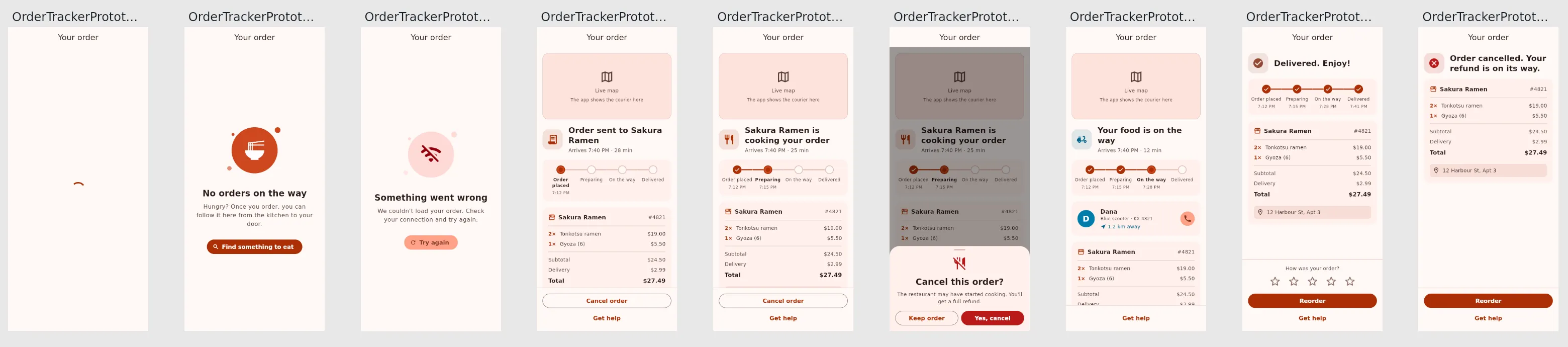
Every state, before the backend exists. Each state of a screen gets mock data and shows up on one board: loading, no order, failed, placed, preparing, on the way, delivered, cancelled and the cancel confirmation. You see the error screen before it ships, not after.
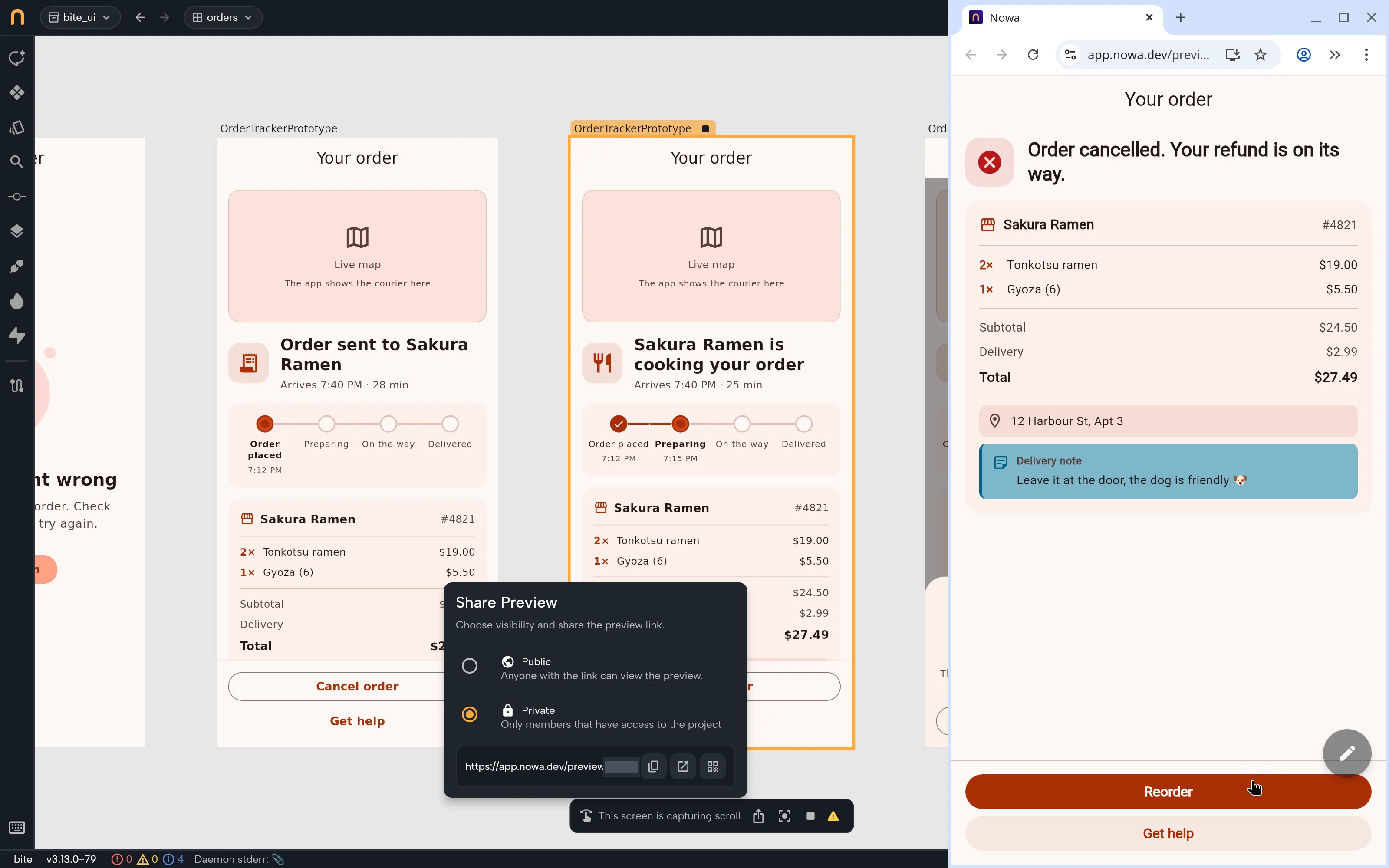
A prototype link you can tap through. When a flow feels right, the designer shares a preview link in the team chat. You open it in your browser and tap through the same prototype, built from the real widgets. Private links only open for people on the project.
The full app, with real data. Once both sides have pushed, anyone can pull and run the actual app. The order moves from preparing to on the way by itself, the courier crawls across the map, and the data comes from the backend instead of mocks.
Late changes without tickets. On Thursday the status icon looks too small? Maya changes it and commits it. Omar isn’t blocked and doesn’t need to know until the pull request shows up.
What changes for the team
Back to the list from the beginning. Here’s what each item turns into:
| What used to eat the week | With Nowa and PureUI |
|---|---|
| Ping-pong over padding and colors | The designer changes the UI and commits it |
| Design reviews against Figma | Everyone reviews the actual thing: a shared preview or the running app |
| Building every screen twice | The designer builds it once, in Flutter |
| States improvised at 6 PM | Every state has mock data and gets designed |
A Figma library and a ThemeData | One theme, in code |
| Two sources of truth | One: your repo |
How to try it on one feature
Don’t change the whole team at once. Pick the screen your team rebuilds most and build one feature this way.
Measure two things before and after: how many review rounds a screen takes, and how many days pass from design to merged code. If you stop, you still keep a cleaner, well-tested feature. If it sticks, nobody on your team gets a padding message at 5:52 PM again.
What’s coming next
We’re not done. Two things we’re building now:
- Live collaboration Soon Designers, developers and PMs in the same project at the same time.
- Comments your agent can act on Soon Pin comments on any part of the canvas during a review, then hand them all to your AI agent and let it work through every one of them in one go.
See it in a minute
Here’s the whole product in about a minute:
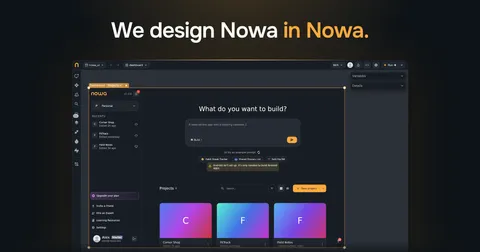
We run our own team this way too. Here’s how we design Nowa inside Nowa.
If you’d like to see it with your team, I’d love to show you.
See Nowa for Flutter teams →
Happy building,
Anas