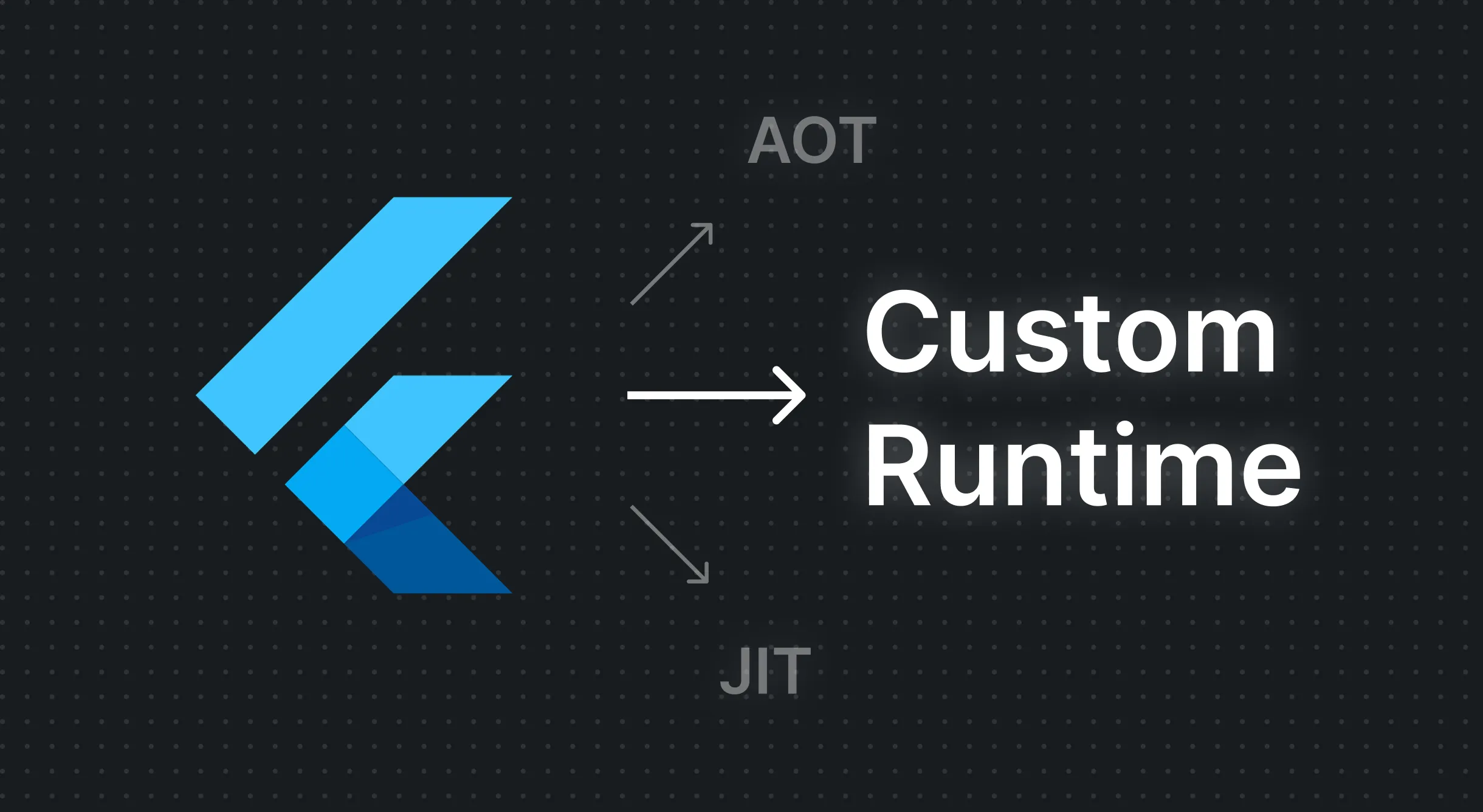
Why Flutter
Nothing beats Flutter in crafting original and creative user interfaces, it draws pixels directly, and can run essentially on any device that has a CPU and a screen. And Canonical choosing it to build the new Ubuntu installer is a testament to that.
When we wanted to make the app builder of the future it was the perfect fit. But soon after we realized the wall: how can you run a Flutter app inside another Flutter app?
The Challenges with Making an App Builder
The goal for app builders is to load, edit & preview.
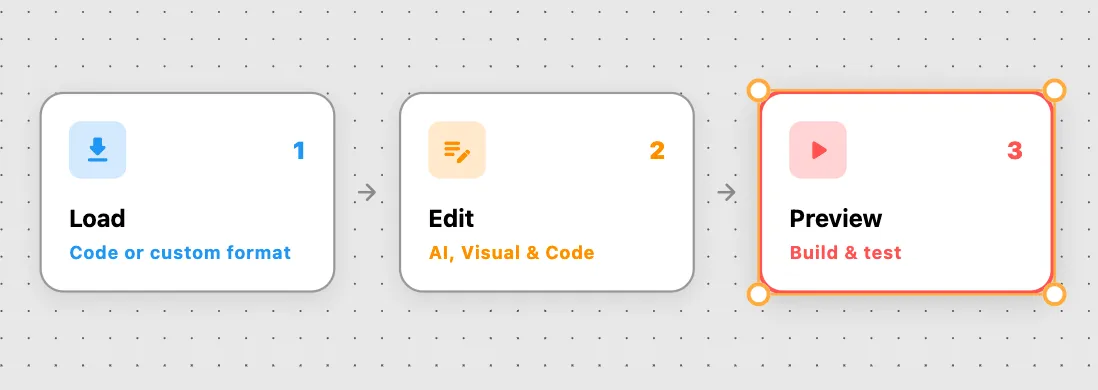
The preview part is the difficult part, you cannot simply get code for a widget and then render it on the fly, it has to be compiled first. But you might say that you do that every day with hot reload which is true, but this all happens in debug mode where you have the Dart VM and JIT compiled code. In the release mode none of that exists.
This is one of Flutter’s most notorious limitations, so much so that Shorebird, founded by former Flutter team members just to provide code push updates over the air, had to modify the Flutter engine itself to pull it off.
This makes React Native an attractive candidate for AI builders since it can run quick previews on web and it has Expo Go for mobile preview. And Flutter so far does not have an equivalent to that.
Different Solutions
Embed a web build in debug mode and do hot reload to iterate
This is the first instinct. It is how Dreamflow works and this gives up entirely on realtime visual editing since no matter how fast hot reload the code has to be saved, compiled and sent to the running preview.
But the main issue in this approach is initial loading time, it will take some minutes to start the preview and if the preview is killed and started again you will have to wait again which kills the flow. And naturally if there is any mistake in the app it will not compile and will not show the updates.
Use a custom format to edit and render widgets
Instead of using raw code you invent your own controlled format. This is how FlutterFlow works and it’s great for visual editing since this format can be loaded and then mutated in memory and is more forgiving for errors, and gives you the ability to view different widgets and components individually.
But by design it is limited to what this format supports and will not cover everything that the code covers. Also AI is not good in writing using custom formats which is a killer gap that is difficult to close.
Use existing dynamic widgets solutions
Instead of using a custom format we can rely on actual Dart code and then run it with dart_eval. While it can work it is a read-only format meaning you would have to edit the code and reparse it to see the results, and have the same coverage issue with the custom format since it’s not official and you cannot simply run any Flutter code and expect it to work.
What We Picked
Inspired by the dart_eval’s approach, we made our own runtime that loads code into a mutable in-memory tree, which can then be rendered or saved back to code. We do have the same coverage issue like viewing a widget from a package, but for that we simply put a placeholder for widgets that cannot be rendered. We still do a real web build that runs in the background while the user is building their app.
What It Unlocked
Rapid iterations visually, with code or using AI
Since the format is code and then it is loaded into an in-memory tree edits can happen two ways, editing the code directly or visually via the in-memory tree.
Mock data
Also, since we own the runtime, we can pass mock/sample data to populate the design instead of seeing an empty list all the time.
Widget previews
Widgets can run independently and be isolated.
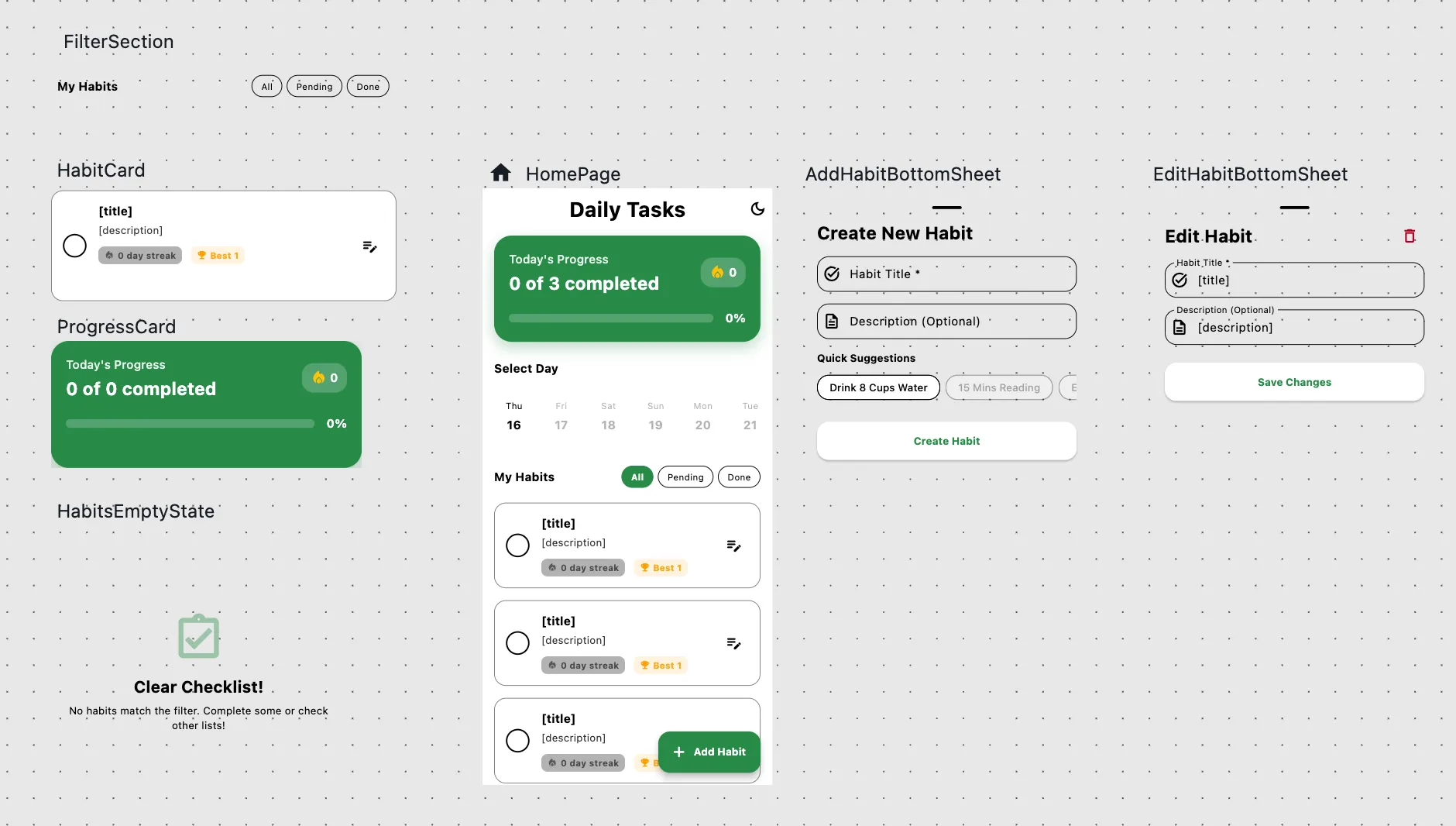
Forgiving error handling
If part of the code has an error, you can still see other parts.
Context ready for AI
To make this runtime work, the code is already loaded into memory so when we added AI to the mix, we could give it the context prefetched, warm and ready to be used.
Was It Worth It?
When it works it is magical, it is really fun using it. But does it justify the huge effort that is put into it and the maintenance cost? Try it yourself and give us your answer.
Try it now →