← Back to Blog
Product

Introducing Designer Mode

Anas Alsalhi · 3 min read

Hey builders 👋

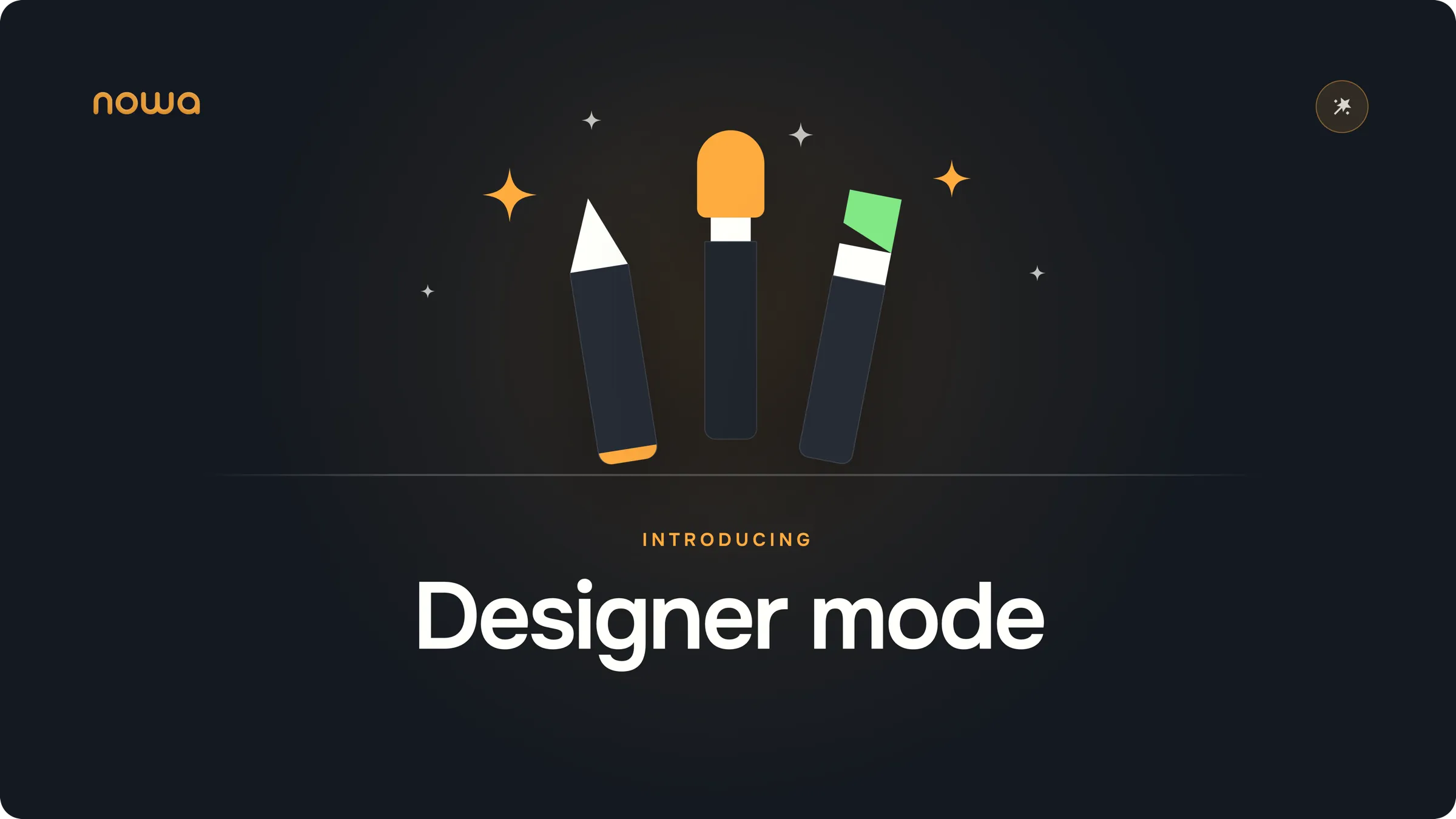
We’re excited to introduce Designer Mode. It’s a new agent that does one thing only. Design.

Why design got its own agent

Some backstory. Until now, Agent Mode did everything at once. It made the design and the logic. It handled the data too. That works. But when an agent thinks about all of that at the same time, the design often suffers.

So we gave design its own agent.

Pure design. Sample data. No logic.

Designer Mode won’t write logic. It won’t use real data. Its whole job is how your app looks and feels, and how people move through it.

It asks before it draws

Here’s how it works. You tell it about your app. It doesn’t start drawing right away. First it asks a few questions.

Who will use the app?

The screens change completely depending on who’s holding the phone.

What look do you want?
Playful, serious, minimal — the whole style follows from this.
How should people move through it?
Where they land, what they tap next, where they end up.

Good designers work the same way. They ask before they draw.

The workflow we suggest

Start a project in Designer Mode
Describe your app the way you’d describe it to a friend.

Answer its questions
They’re all about design and how people will use the app. Nothing about code.

Ask for a few versions if you’re unsure
It will make 2 or 3 versions of your main screen and put them on the board. Pick the one you like. It deletes the rest and designs your other screens in that style.

Make one part real
When it’s done, it suggests next steps. You can keep working on the design. Or you can pick one part of the app to make real — it switches to Agent Mode and builds that part.

Why we built it this way

It’s how apps get built anyway
Teams plan the design first. The logic comes later.
One job means focus

When the agent only thinks about design, the designs come out better.

The questions help you too

Answering “how would someone use this?” makes you see the app the way your users will. Before you build anything.

Nothing to break

And you can play around without worry. There’s no logic behind anything yet. Move stuff around. Change your mind. Nothing breaks.

That’s it. Give it a try.

Try Designer Mode →

If something feels off or confusing, tell us. That helps more than anything right now.

Share your feedback on Discord

Happy building,
The Nowa team
Keep reading

Product

We Just Upgraded the Nowa Agent to Gemini 3.7 Flash

Nowa's agent now runs on Gemini 3.7 Flash — Google's new #1 model for turning descriptions into working screens — and daily limits are doubled on every plan, same price.

Product

Nowa's AI Got a Major Upgrade in Performance and Usage

Nowa now runs on Gemini 3.6 Flash: better debugging, 2x faster long tasks, and double to triple the daily AI credits on every plan — at the same price.

Product

How AI in Nowa Feels Different From Claude Code, Lovable, and Replit

It's not about the model — it's how the AI handles your project. The architectural decision behind why Nowa runs faster and generates code that holds up.